Publish
PostRoute
Upload a video once, write the caption each platform should get, then publish immediately or place it in the calendar. PostRoute talks to the platforms through your own access — your tokens never leave your machine.
One payment, no subscription. The store opens shortly — send us a line and you get the download link as soon as it does. All sales are final once the download is delivered.
With ShortsLab: both tools for $199 instead of $298 — see the bundle.
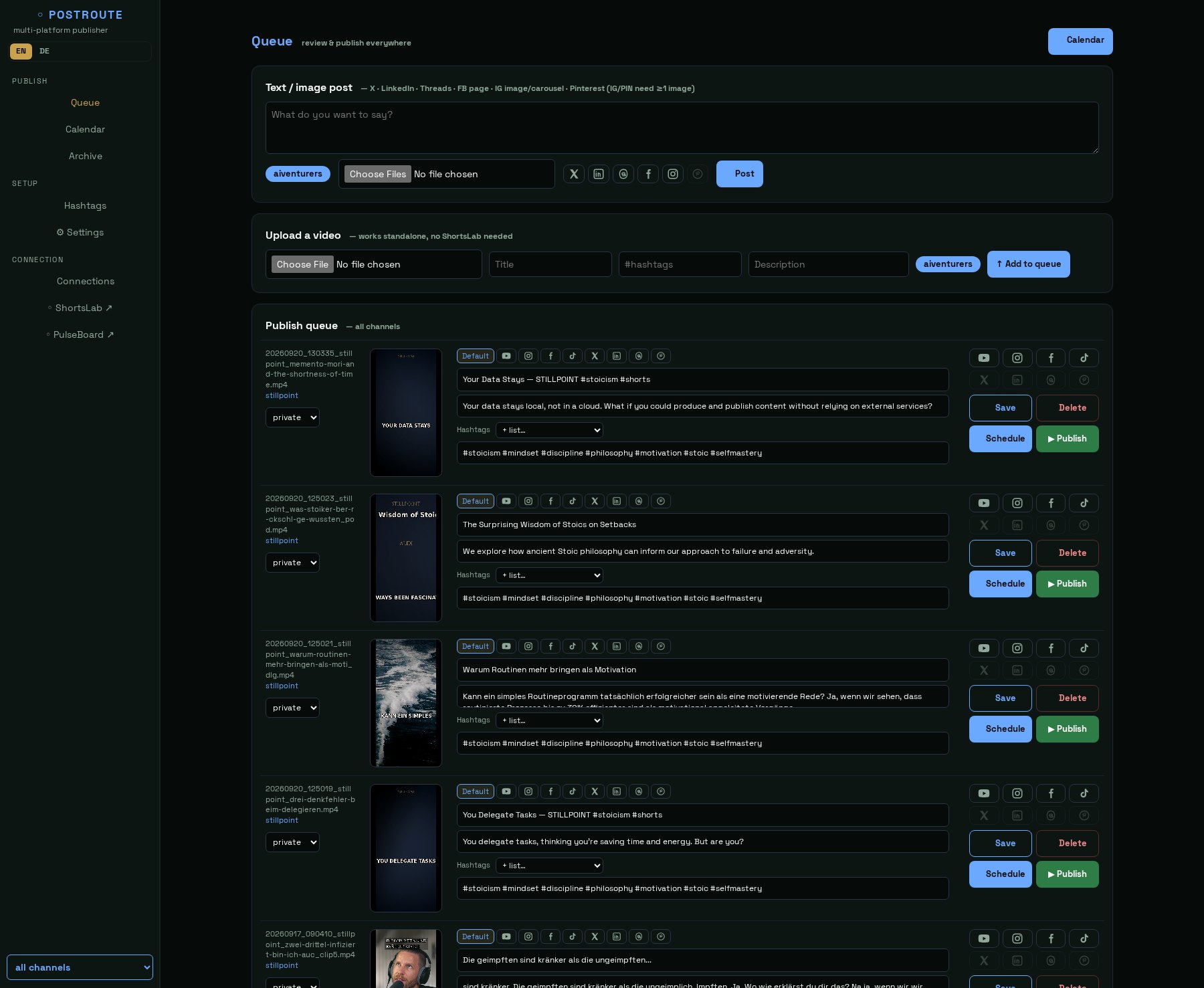
The queue
Everything that has not gone out yet sits here: finished videos from ShortsLab, files you uploaded by hand, and text posts.
Per entry you write a caption for each platform in its own tab — whatever you leave empty inherits the default text. The icons show where the post is going; platforms you have not connected are greyed out and say why.
At the top sits the text post editor for posts without a video — text with or without an image, to several platforms at once.
Platforms
Split honestly by what we have actually put through its paces:
Set up and documented
YouTube, Instagram, Facebook and TikTok — the manual walks you through creating the access step by step. This is the path we use ourselves every day.
Included, but for tinkerers
X, LinkedIn, Threads and Pinterest are wired up, but each needs its own developer access and has so far only been exercised on our own accounts. Budget some patience there.
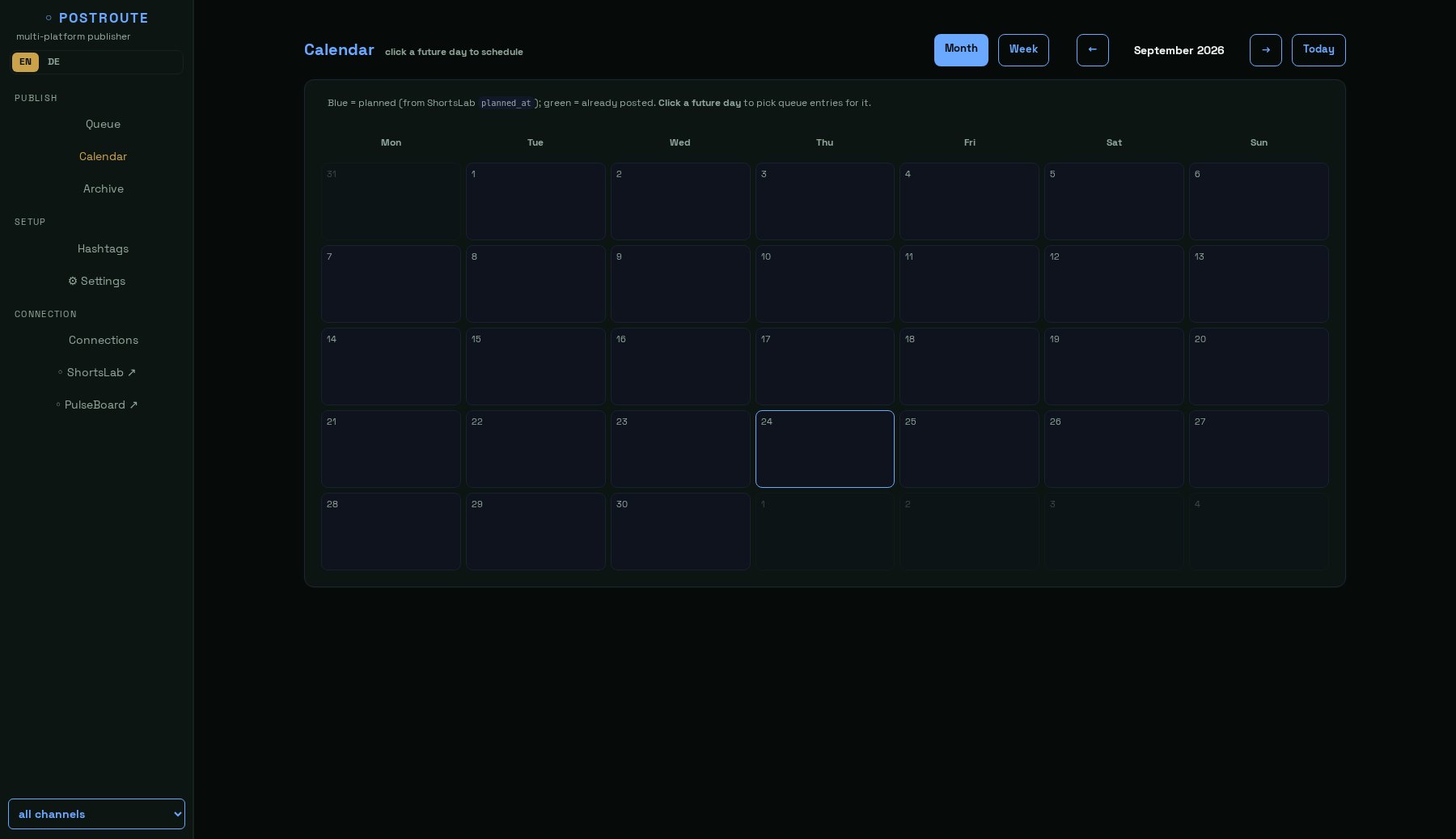
A calendar instead of sticky notes
The calendar shows a month or a week: blue is scheduled, green has already gone out. Gaps are obvious at a glance.
Clicking a future day opens that day's plan: tick the posts, set the times, done. Moving a single slot is just as quick.
If the post came from ShortsLab, the intended date is already filled in — PostRoute takes it over and you type nothing.
Write once, adapt per platform where it matters, publish everywhere in one go.
The calendar shows what is scheduled and what already went out, per channel.
PostRoute uses your own developer access. The tokens stay in your installation folder.
Questions we get asked
| Do I need ShortsLab as well? | No. PostRoute publishes any video you upload. Together they save you the detour through downloads. |
|---|---|
| Where do my credentials live? | In your installation folder. There is no service of ours in between that could read them. |
| Why my own developer access? | Because then the rate limits are yours and your account does not depend on somebody else's app. Creating one is free. |
| What happens when an access expires? | Instagram and Facebook renew themselves. For the others the connection page tells you in good time that a reconnect is due. |
| Requirements | Windows 10/11, macOS 12+ or Linux · Docker · 2 GB RAM. PostRoute is very light. |
| Returns | The download is delivered immediately, so all sales are final. Details in the terms. |